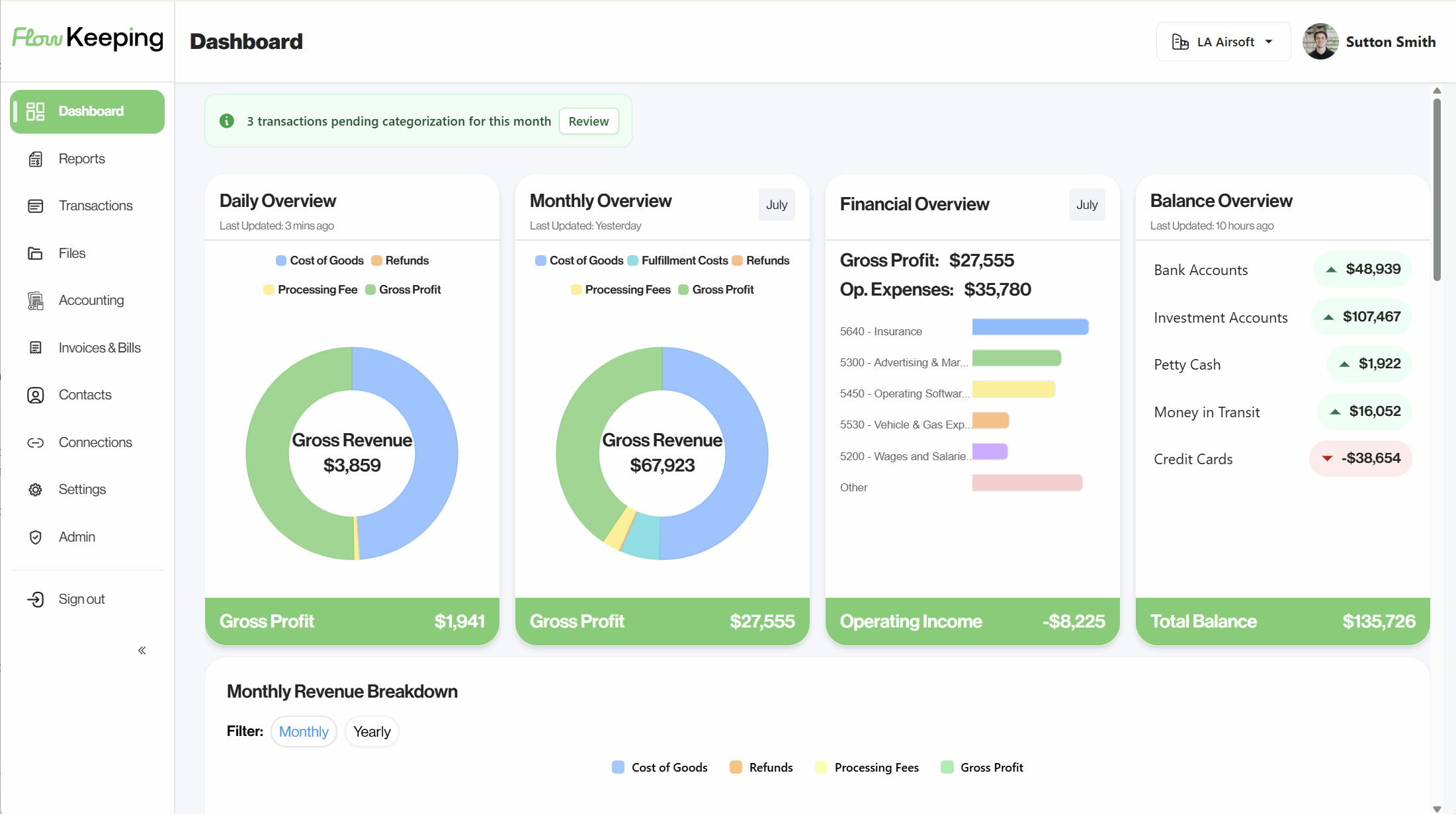
Know Your Real Margin, Channel by Channel
Connect banks, Shopify, Amazon, and every selling channel into one live dashboard. See cash, payouts, and true profit — not just what hit the bank.
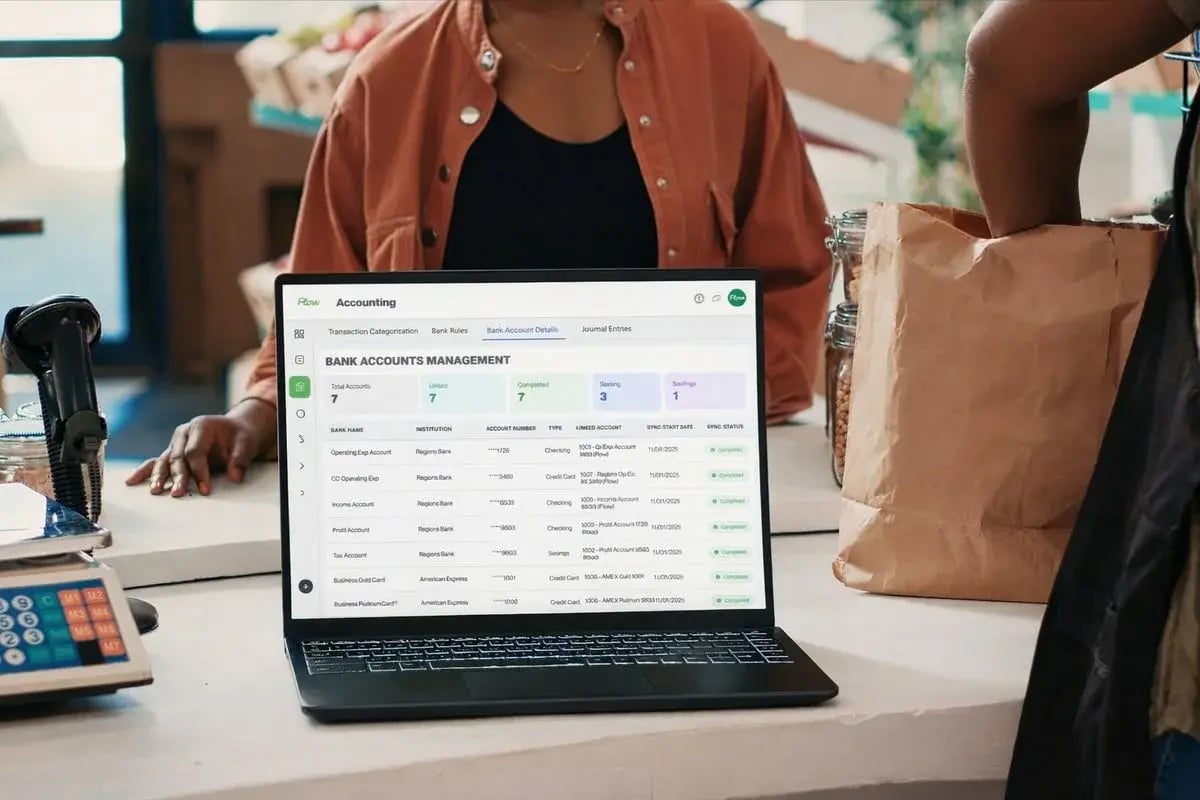
Where your money actually is
A sale isn't cash until the channel lets go of it.
Every platform holds funds on its own schedule before they land in your bank. Knowing the typical gap helps you avoid mistaking today's sales for cash you can spend today.
- Retail / POSSquare — Clover coming soonSaleNext business day to bank
- ShopifyShopify PaymentsSale~3-5 business days to bank
- WooCommerce (coming soon)StripeSale~2 business days to bank
- Amazon (coming soon)DD+7 reserve, then 14-day cycleSale~27-29 days to bank
Typical timing for standard accounts — your actual payout schedule can vary by processor, program, and account history.
Your bank balance is only part of the story.
Most ecommerce and retail owners piece together channel payout reports, bank apps, and spreadsheets, then decide anyway.
Payouts land days after the sale.
Shopify, Amazon, and card processors batch and delay deposits, so the bank balance never matches what you actually sold.
Fees and refunds blur your margin.
Platform fees and refunds cut into what a sale is actually worth, and it's easy to lose track of by channel when everything lands in one bank feed.
Inventory and cash decisions outrun your reports.
Reorder and ad-spend calls happen daily. Month-end books tell you what already happened, not what you can afford right now.
- +Channel payouts in transit$9,850
- −Platform fees not yet posted$3,330
The bank balance is one input. Add back payouts still in transit, pull out fees still working through, and you get a truer number to decide from.
The real number
Stop guessing what each channel actually nets you.
Gross sales look healthy on every platform. Netting out platform fees and cost of goods by channel shows you which one is actually funding the business — and which one is barely breaking even.
- Platform feesReferral, payment, and fulfillment fees pulled straight from the source.
- Cost of goodsCOGS applied per product, not averaged across the whole business.
- Shopify$11,408 net$18,400 gross−$6,992 fees & COGS62% margin
- eBay$5,684 net$9,800 gross−$4,116 fees & COGS58% margin
- Retail / POS$4,313 net$6,900 gross−$2,587 fees & COGS63% margin
The retail calendar
Your numbers move on a different schedule than the rest of the year.
Ecommerce and retail don't run on a flat month-over-month curve. Flow stays live through the swings so the busiest and quietest stretches both get real numbers, not a guess.
- Peak season
You're reordering before the cash from last week lands.
Ad spend and inventory buys don't wait for payouts to clear. See what's actually available before you commit to the next PO.
- Right after peak
Returns and chargebacks land after the revenue already posted.
Refund waves after big sale events can make a strong month look weak on paper days later. Flow keeps the timeline straight so you're not chasing last month's numbers.
- Slow season
The quiet stretch is when margin problems are easiest to see.
With less volume moving through each channel, this is the moment to check which one is actually profitable — and cut spend on the one that isn't.
However your team actually handles the books, Flow fits it.
Solo founder, in-house ops, or an outsourced bookkeeper — the same live workspace works whichever way you run it. Want it fully handled instead? We do that too.
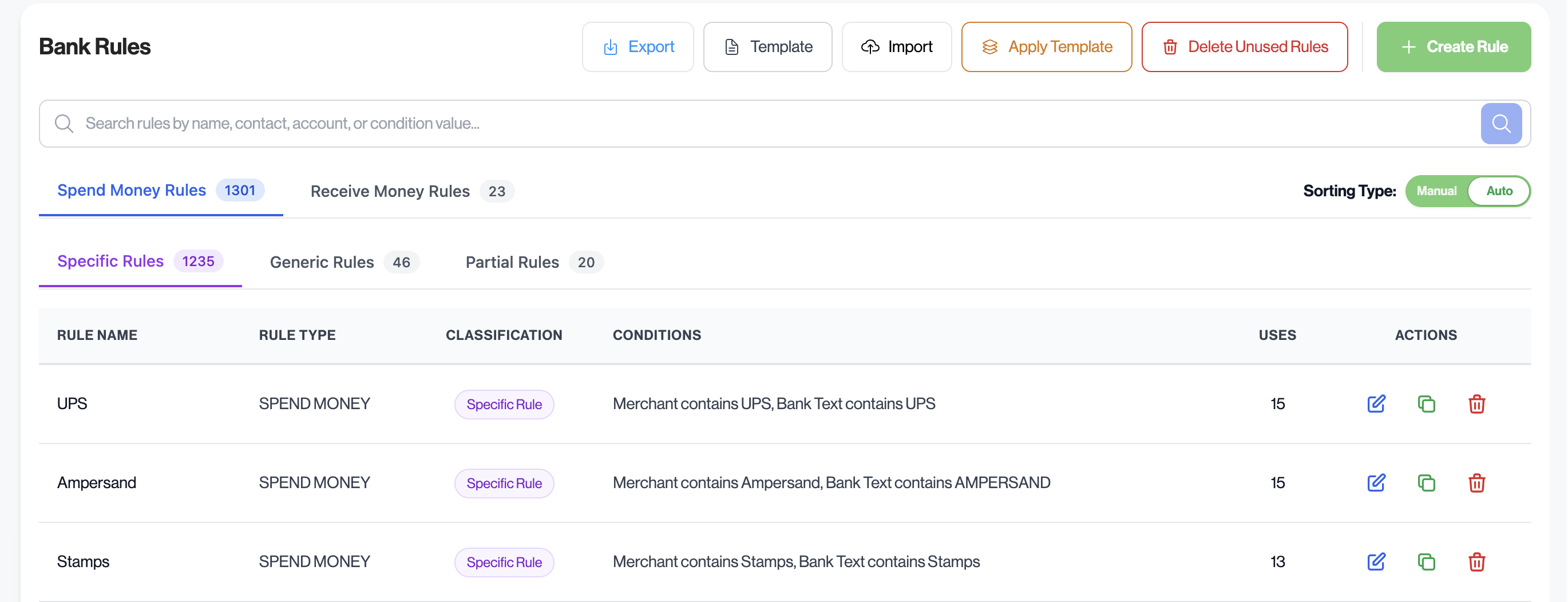
Set a fee rule once, never touch it again
A recurring Shopify fee, Amazon referral charge, or ad platform bill gets categorized on its own every time it shows up.
Payout statements land next to the month they hit
Channel statements, 1099s, and receipts sit in Flow Drive right alongside the period they affect — not buried in a downloads folder.
No learning curve for whoever's running the books this season
Founders hand off bookkeeping, bookkeepers change, teams grow — Flow stays easy to pick up for whoever's in it.
Common questions from ecommerce and retail owners.
Setup, security, channels, and your data — what to know before you connect accounts.
Which selling channels and platforms connect?
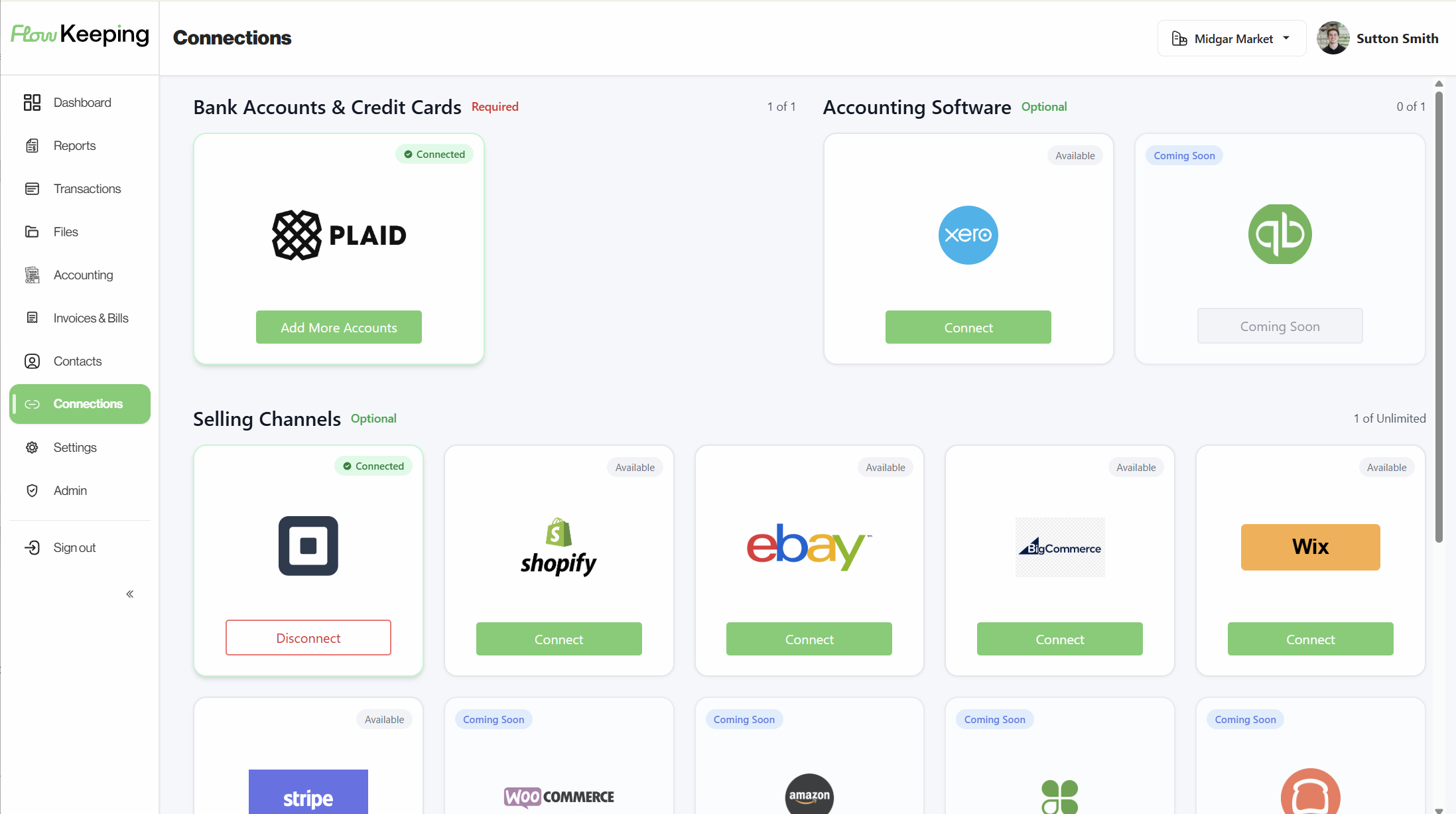
Shopify, Square, eBay, BigCommerce, and Wix connect directly today, with bank and card connections through Plaid covering most major U.S. institutions. Amazon, WooCommerce, and Clover are coming soon. Not sure your platform is supported? Ask on a demo and we'll check.
Does Flow handle cost of goods sold and inventory-driven margin?
Yes. Set a COGS account and purchase price once per product, choose how you want inventory handled (cash, accrual, or off), and it applies automatically from there — no re-entering it sale by sale.
How does Flow handle sales tax?
Sales tax on invoices you send is built in — set a rate and it calculates automatically. For tax collected across your selling channels, ask on a demo and we'll walk through what's tracked for your setup.
How hard is it to get set up?
Connect banks and selling channels and most people see live activity the same day. Moving existing books over is more involved — we help with accounts and opening balances so you aren't starting from scratch.
Is my data safe when I connect bank accounts?
Bank links go through Plaid. We never see your bank login or password. Your data stays in your Flow account and we don't sell it.
Can my bookkeeper or team work in Flow too?
Yes. Notes, files, and questions live on the transaction, so you're not bouncing the same questions around email.
See your live financial picture in minutes.
Book a demo to walk cash, channel payouts, and reports, or start a free trial and connect your accounts. Demo is the fastest way to see if it fits.