
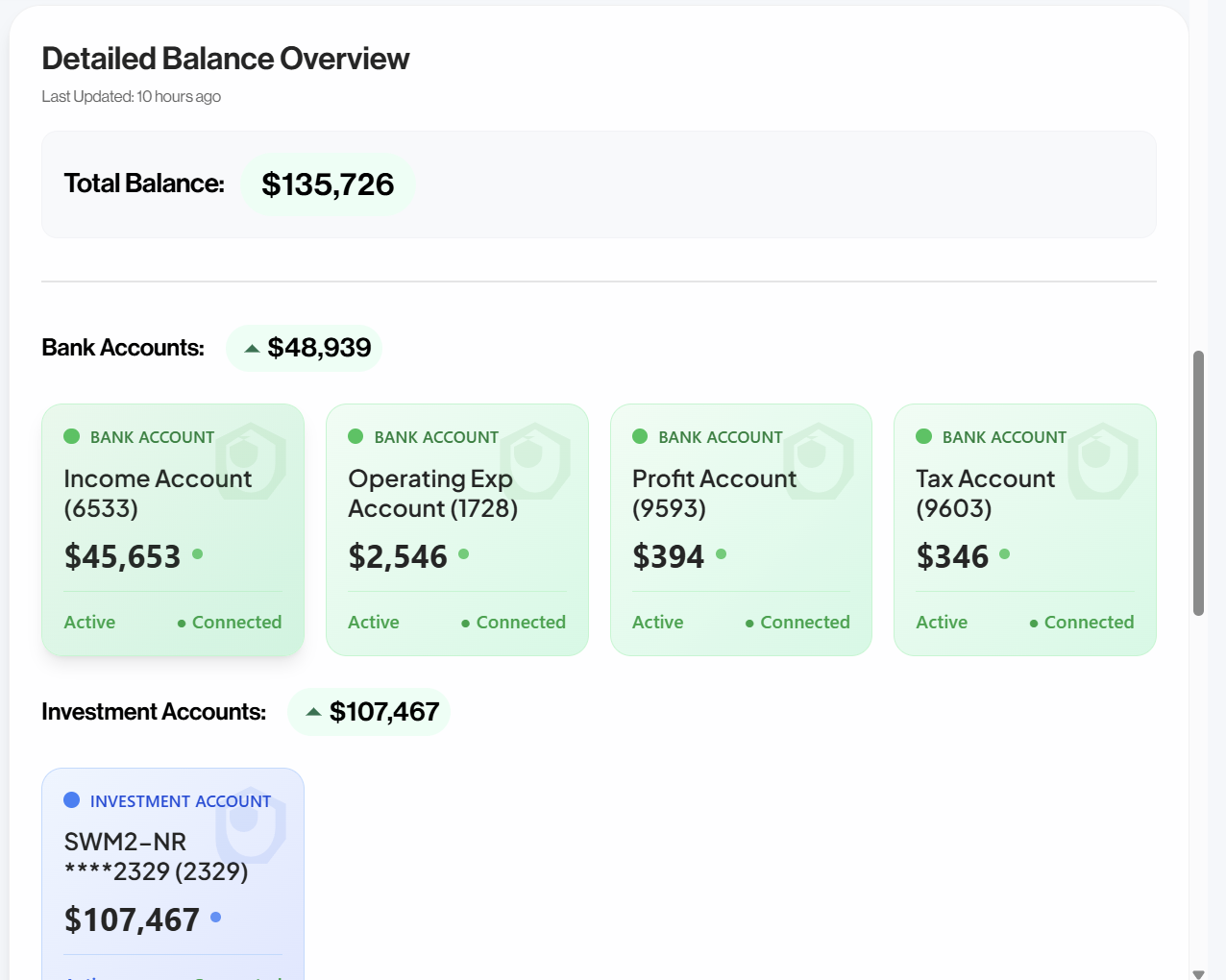
Spend with a full cash picture
See banks, cards, and money in transit together before you commit to the next purchase.
Connect banks and selling channels into one live dashboard. Act on cash, transactions, and reports today.
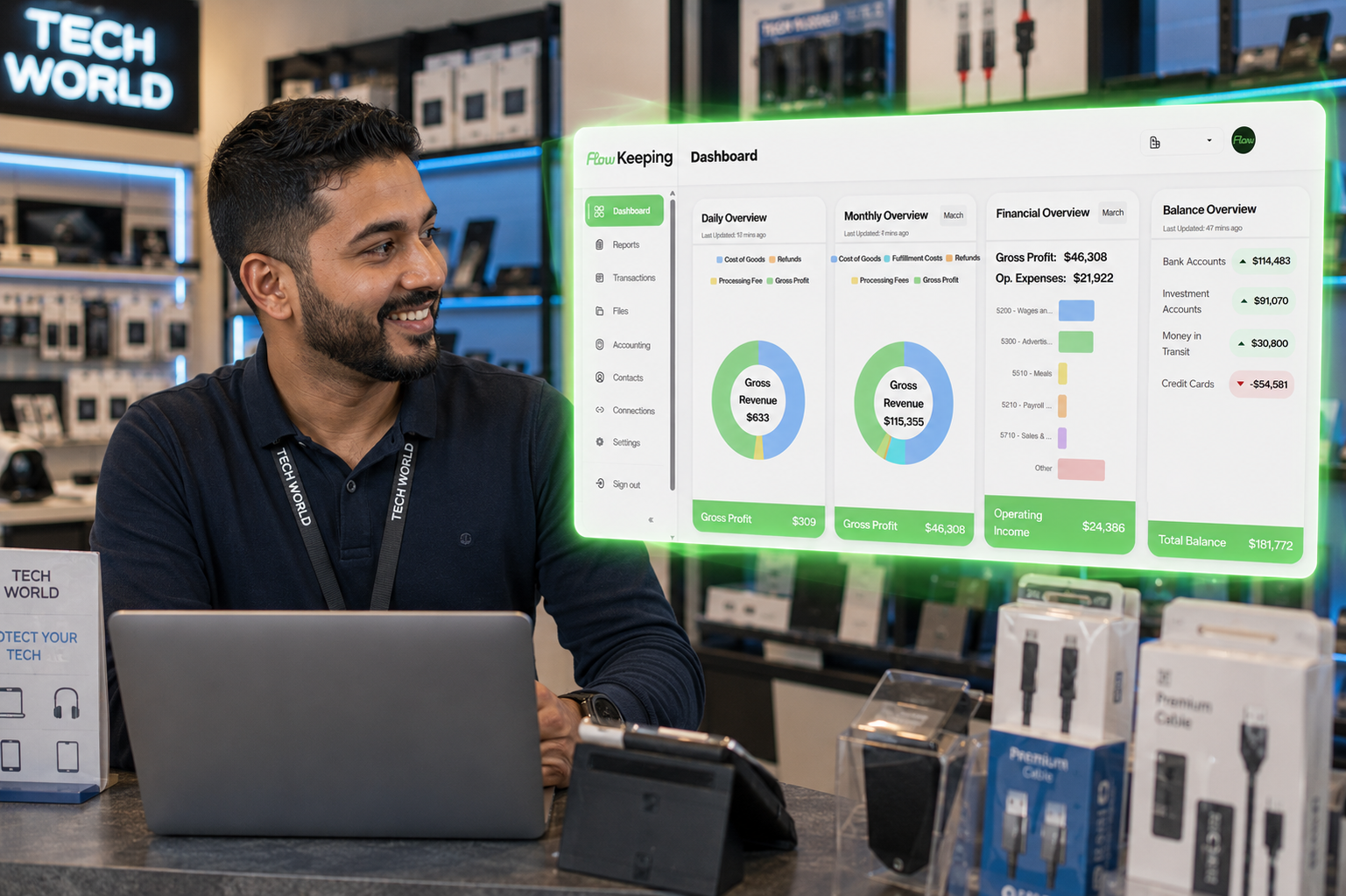
Most owners still piece together bank apps, month-end PDFs, and email threads, then decide anyway.
The bank balance looks fine. Funds still sitting with processors never make it into the decision.
Month-end PDFs explain last month. They do not help while hiring, pricing, or buying is still open.
Receipts and bookkeeper questions bounce around inboxes instead of staying on the transaction.
Bank balances alone miss sales and payouts still in transit — Flow brings both into one live cash picture.
Automation and live visibility turn the dashboard into an operating picture, not a month-end autopsy.
See banks, cards, and money in transit together before you commit to the next purchase.
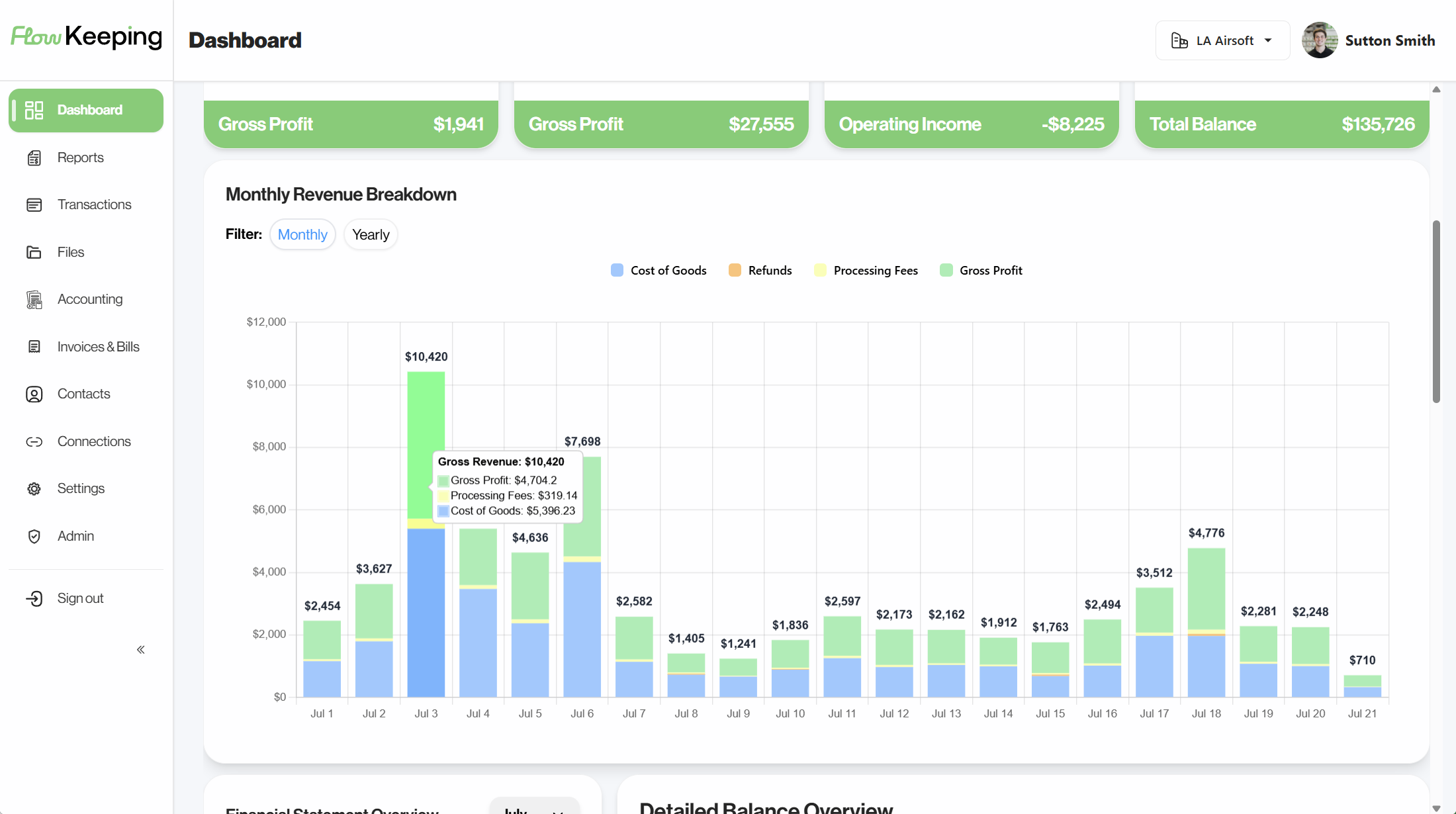
Revenue, expenses, and trends update with the business, so calls are not stuck waiting on last month's export.
Connected reporting keeps profit and cash close enough to real time to guide owner draws with confidence.
In the product
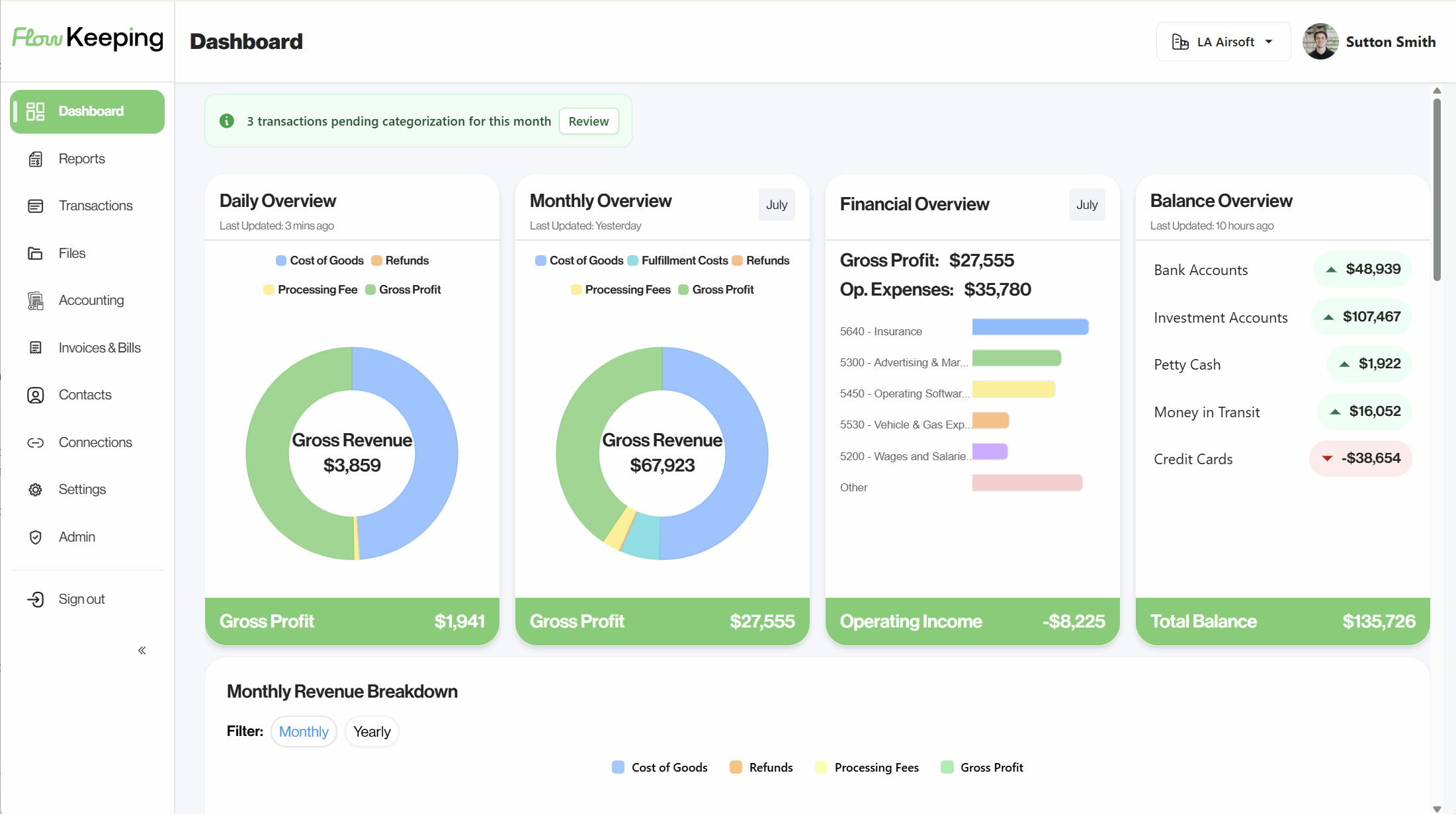
The same workspace your team uses: dashboard, transactions, reports, files, and connections, built so the person running the business can move without translating accountant-first software.
Banks, cards, and selling-channel activity in one command center, including money in transit when channels are connected.
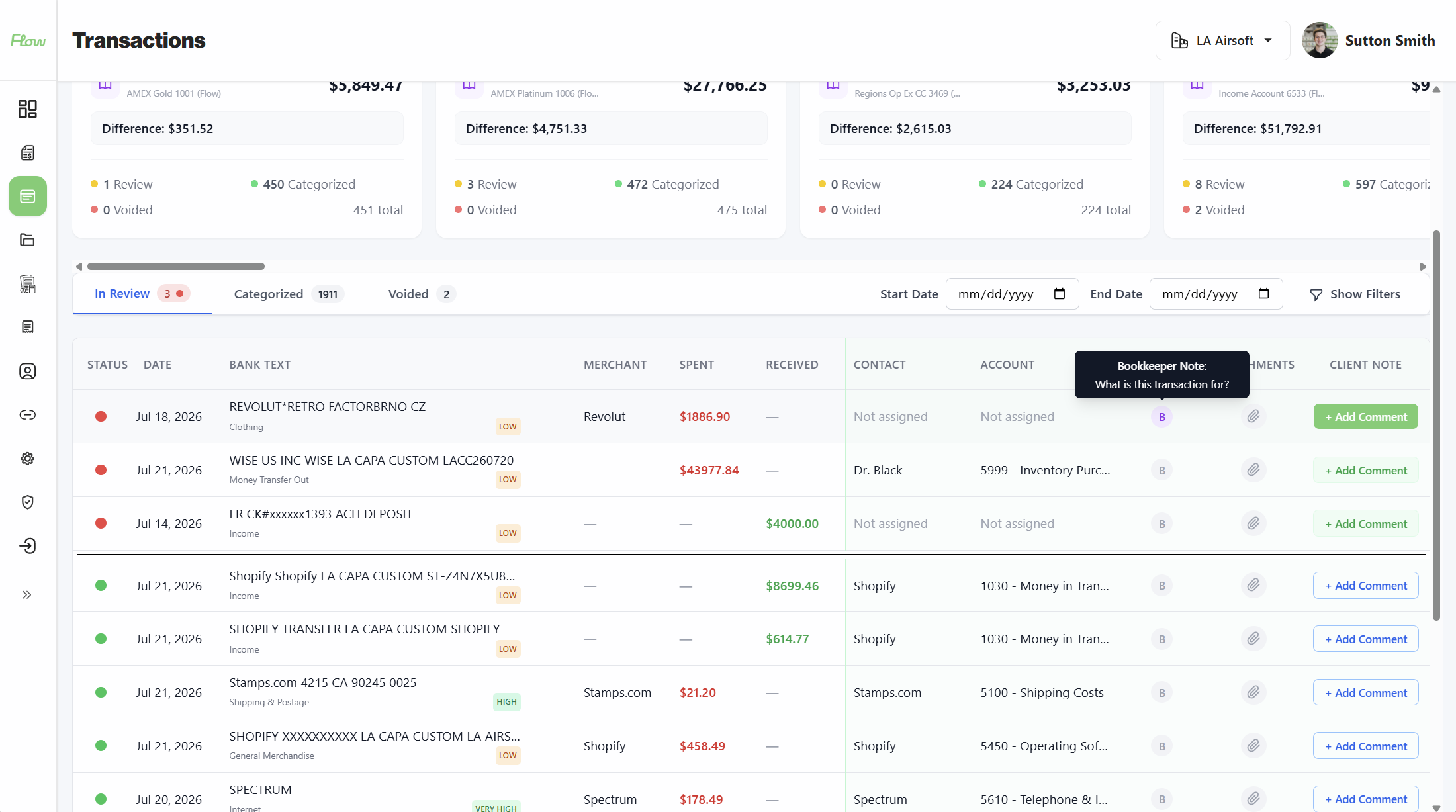
Browse transactions, add owner notes, and keep attachments on the entry. Bookkeeper questions stay on the work, not in email.
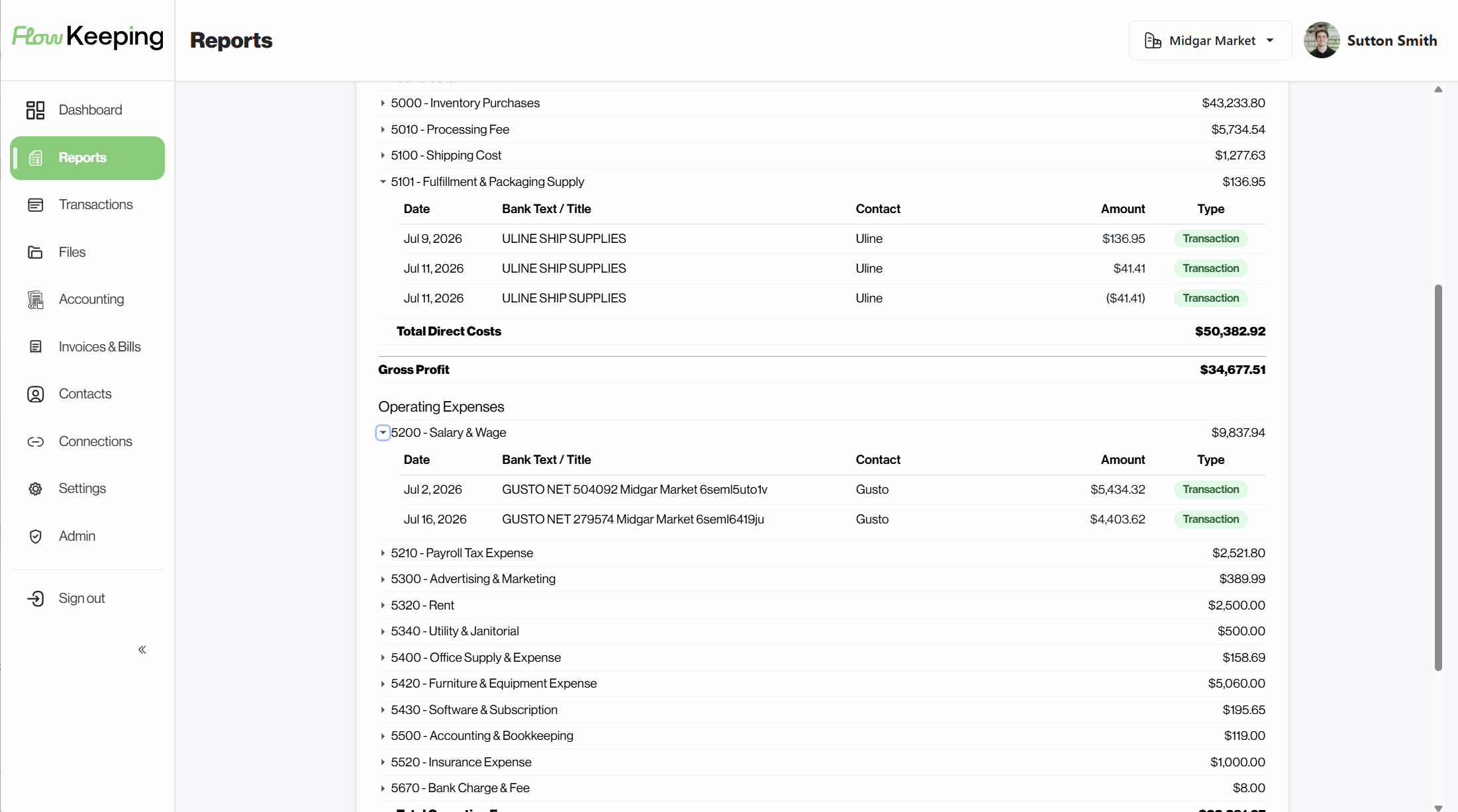
Drill into the number
Income statement, balance sheet, and trial balance with period compare. See the transactions behind a number — this month against last month, or the same stretch a year ago.
You, your team, or your bookkeeper — and if you ever want it fully handled, we do that too.
Automate repeat categorization so the books stay closer to current without a nightly spreadsheet ritual.
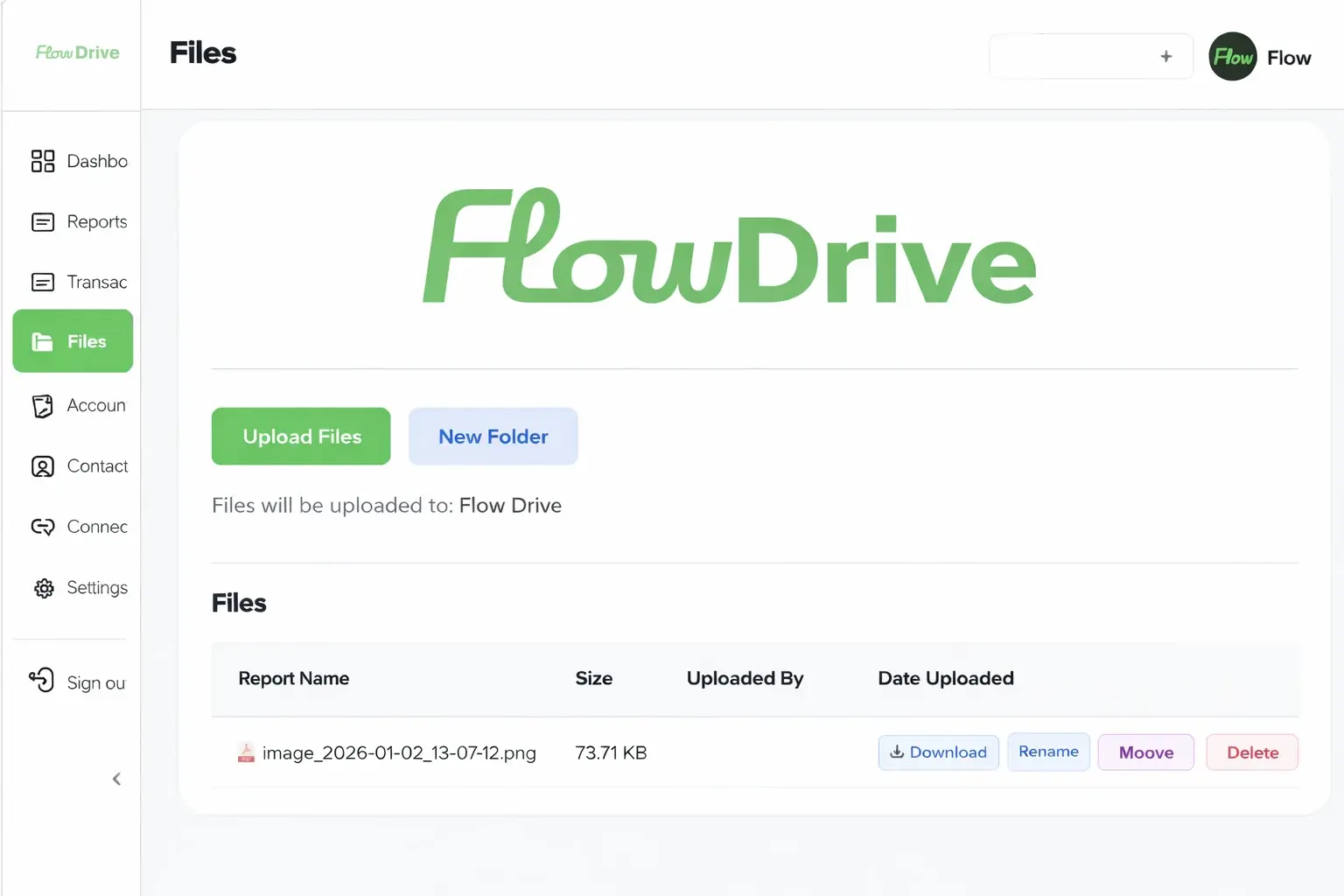
Statements, reports, and receipts live in Flow Drive next to the period and workflow they belong to.
Easy to use and manage day one — whether you’re in it yourself or sharing the same notes, files, and dashboard with your team or bookkeeper.
Setup, security, banks, and your data — what to know before you connect accounts.
Connect banks and selling channels and most people see live activity the same day. Moving existing books over is more involved — we help with accounts and opening balances so you aren’t starting from scratch.
Bank links go through Plaid. We never see your bank login or password. Your data stays in your Flow account and we don’t sell it.
It stays yours. Ask us for an export, and we can delete what’s left when you’re done — no hostage situation.
If Plaid supports it, you can connect it — that’s most major U.S. banks and cards. Not sure? Ask on a demo and we’ll check your institution.
Yes. Notes, files, and questions live on the transaction, so you’re not bouncing the same questions around email.
Book a demo to walk cash, transactions, and reports, or start a free trial and connect your accounts. Demo is the fastest way to see if it fits.